
For best viewing, your screen resolution should be 800 x 600 or larger (the size of each linked image). Pictures will open up in their own browser window or tab.
| Top of adapter | Bottom of adapter |
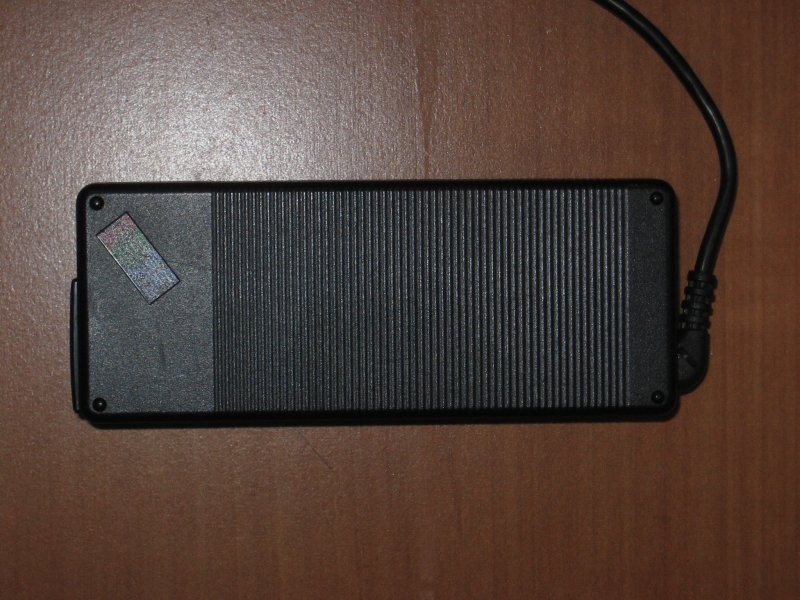 |
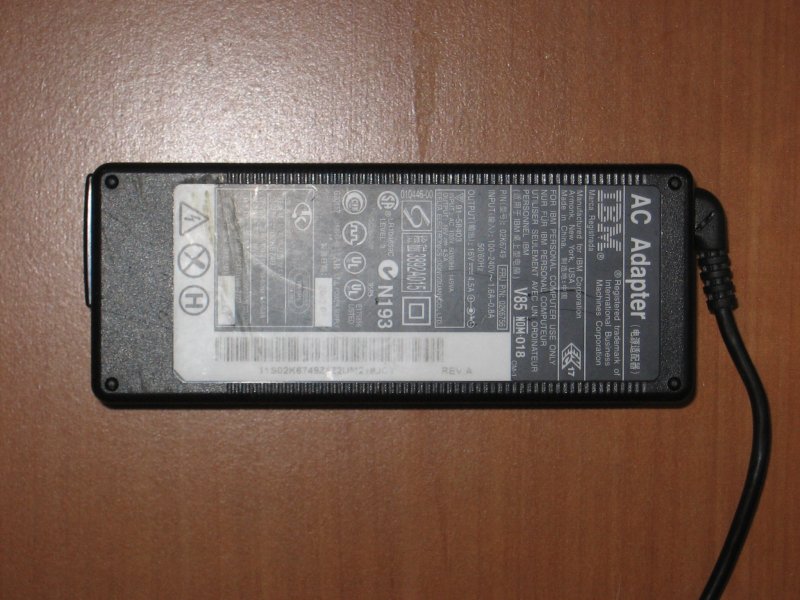 |
| Top cover removed (I simply cracked open the case using my fingernails. There was a little bit of glue holding them together. Should be able to put a couple of drops of superglue around the seam.) | Bottom cover removed |
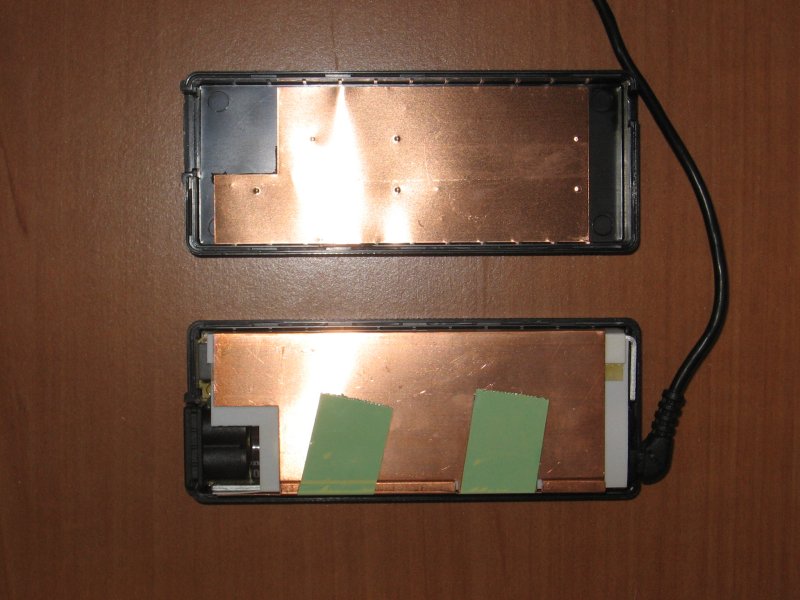 |
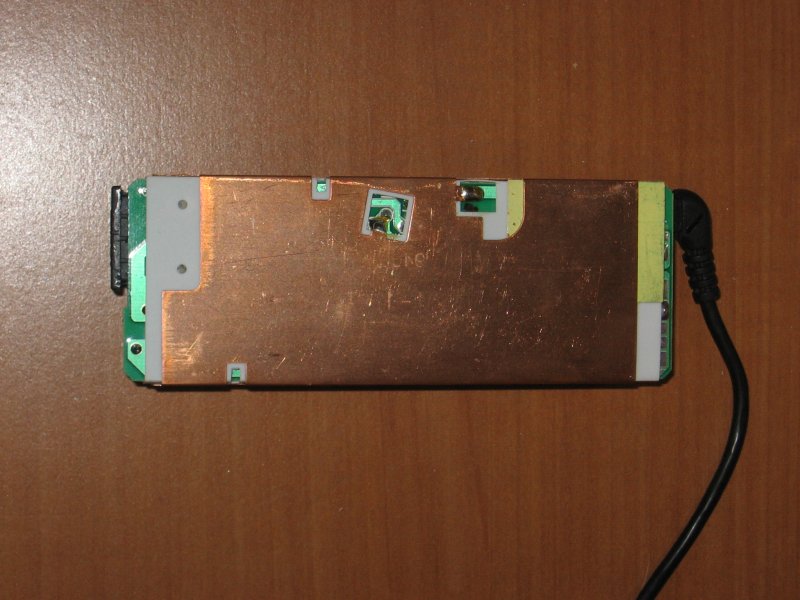 |
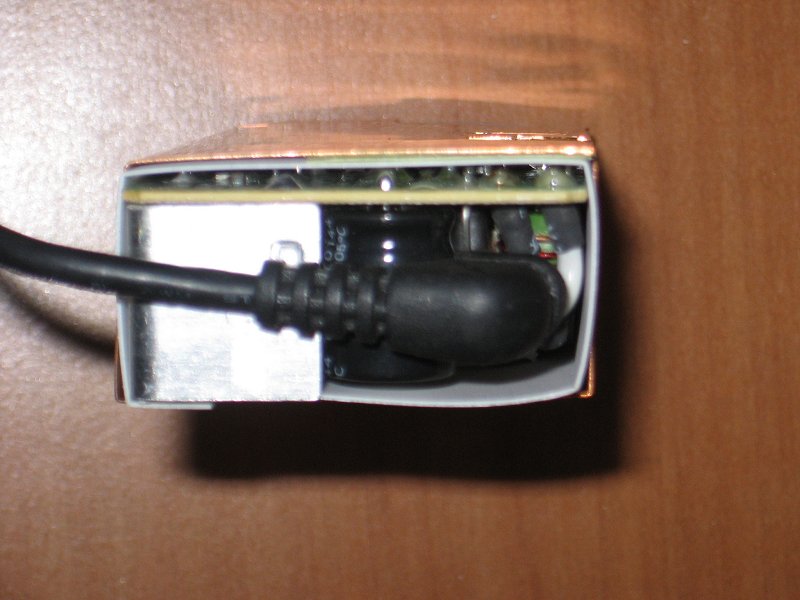
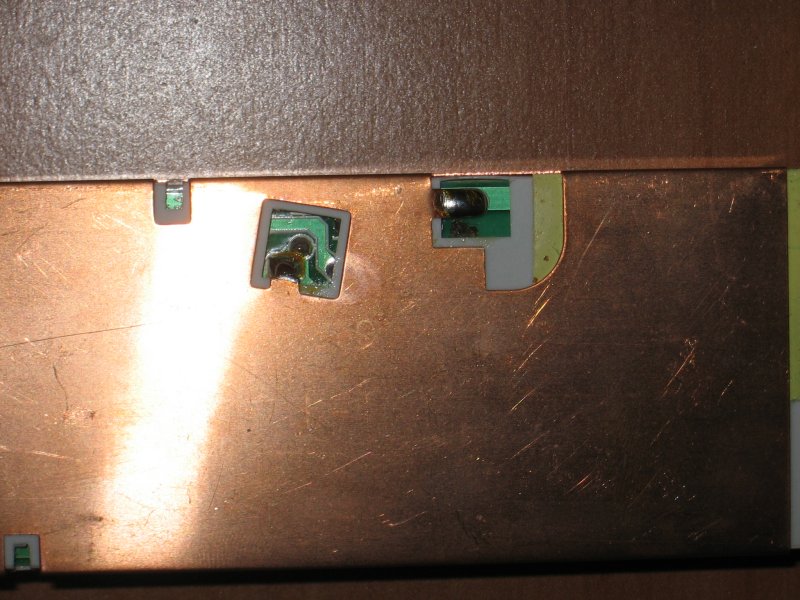
| Close up of DC cable | Close uo of shield solder points |
 |
 |
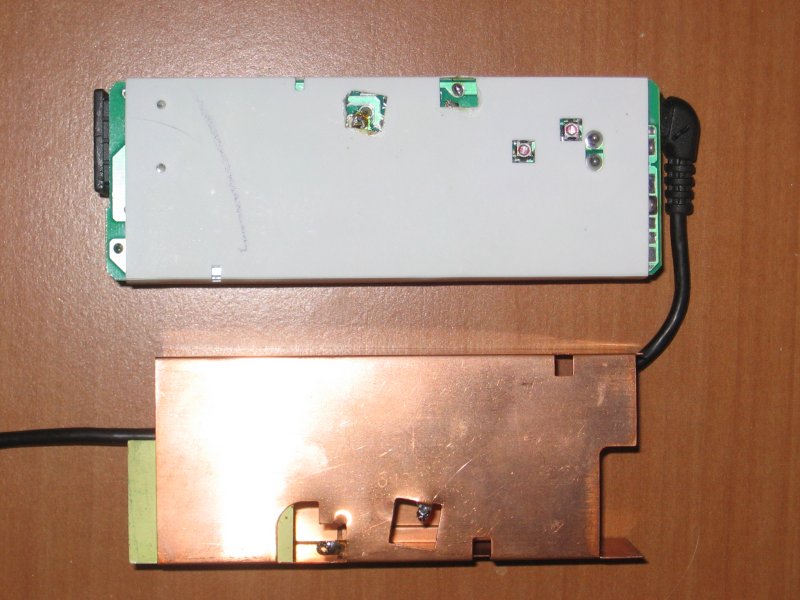
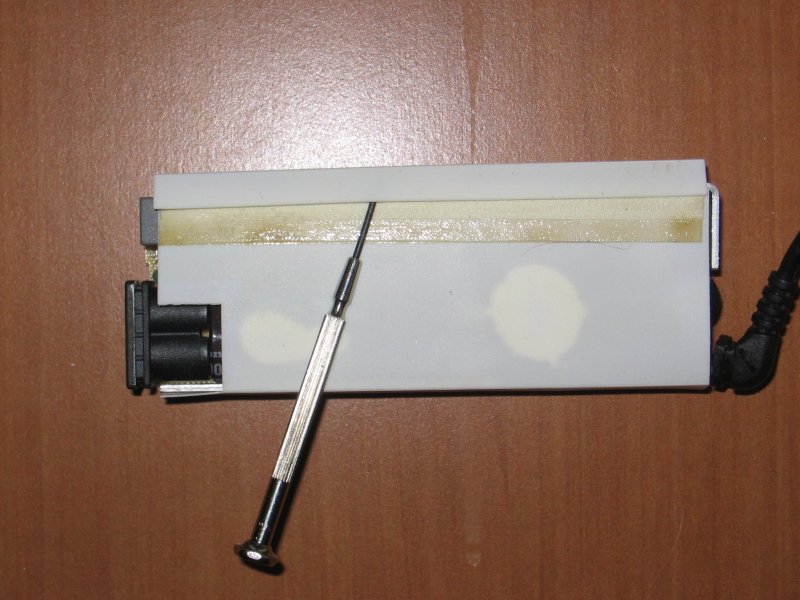
| Shield removed (The two new "holes" that are visible through the insulating sleeve are for trimpots.) | Insulating sleeve (This was held together by double-sided tape so I just peeled it apart with a small screwdriver.) |
 |
 |
| DC cable termination | Top of adapter PCB |
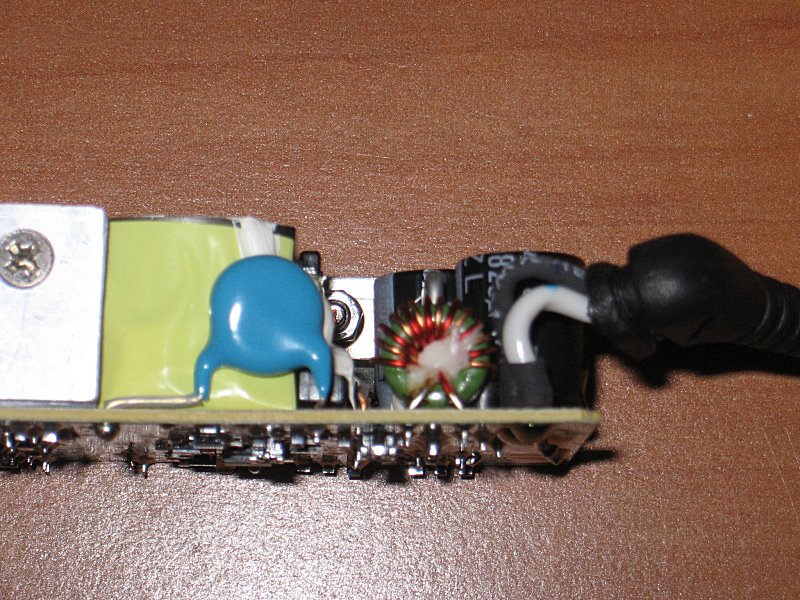 |
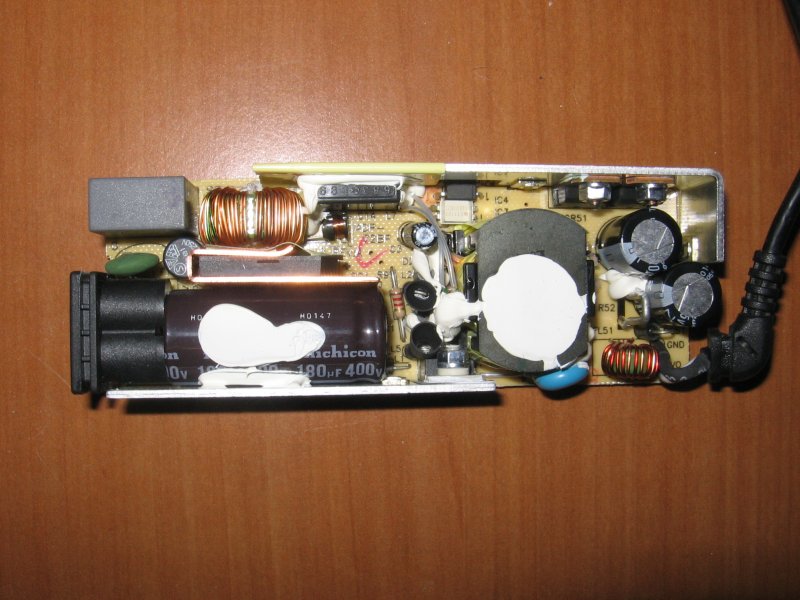 |
| Bottom of adapter PCB |
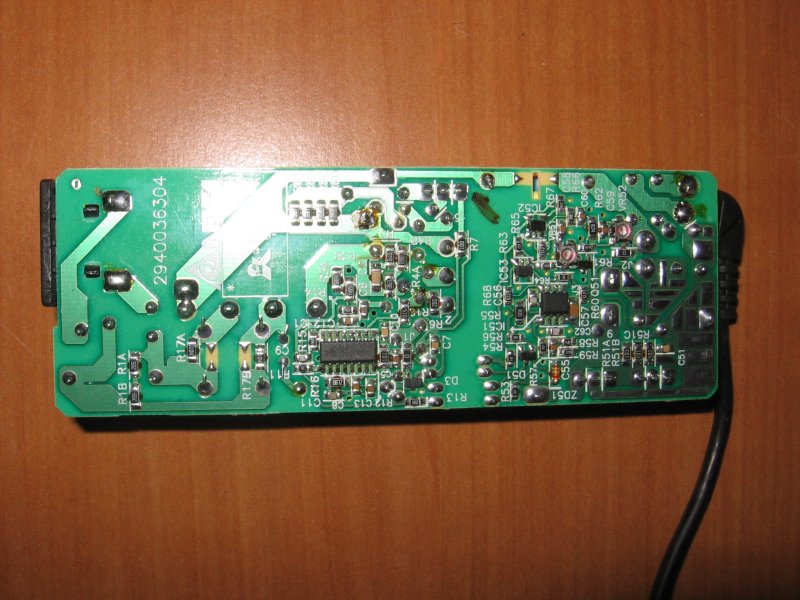 |